



Buying guide
Choose a projector that fits the way you watch
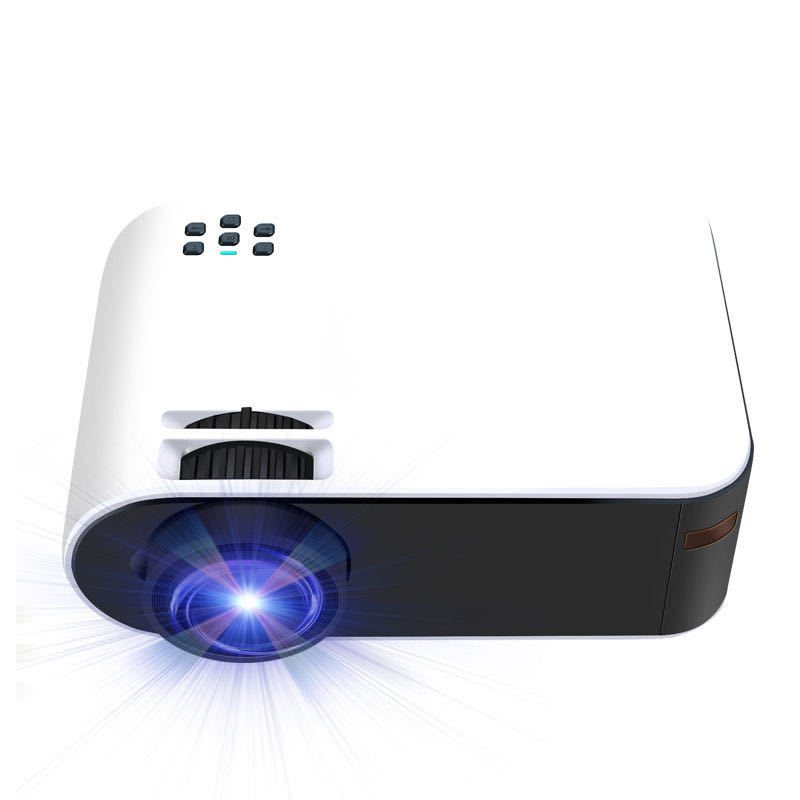
Films, console games or videos to share: start with what you want to watch. These two projectors take different approaches. Use the points below to choose the one that suits your equipment and the space you have.
Start with the picture resolution
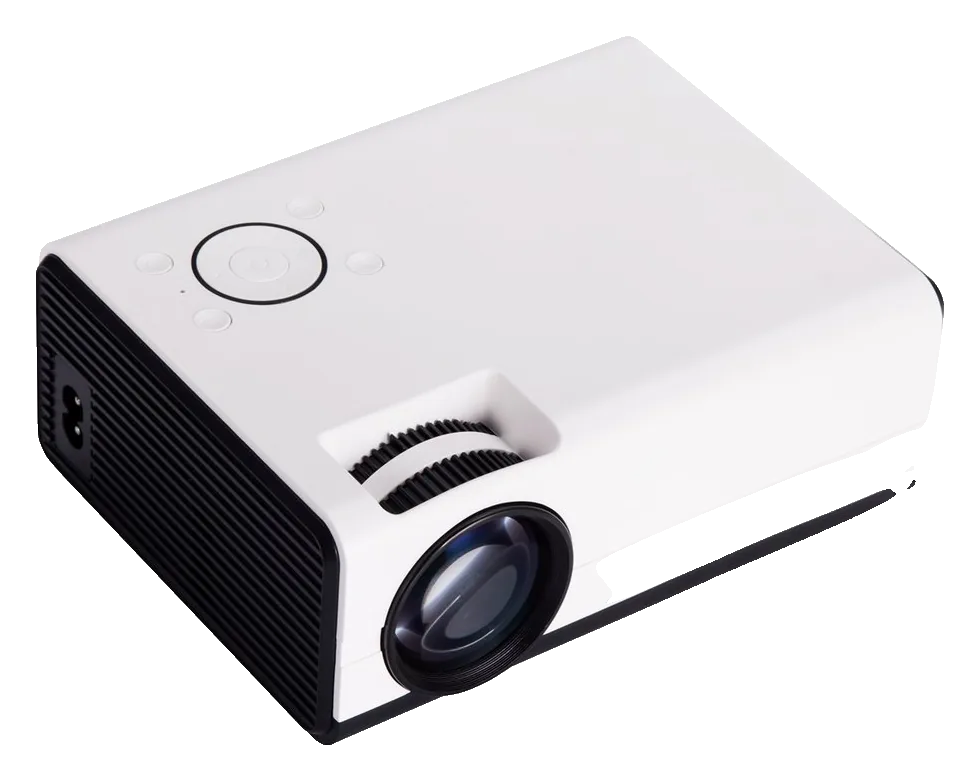
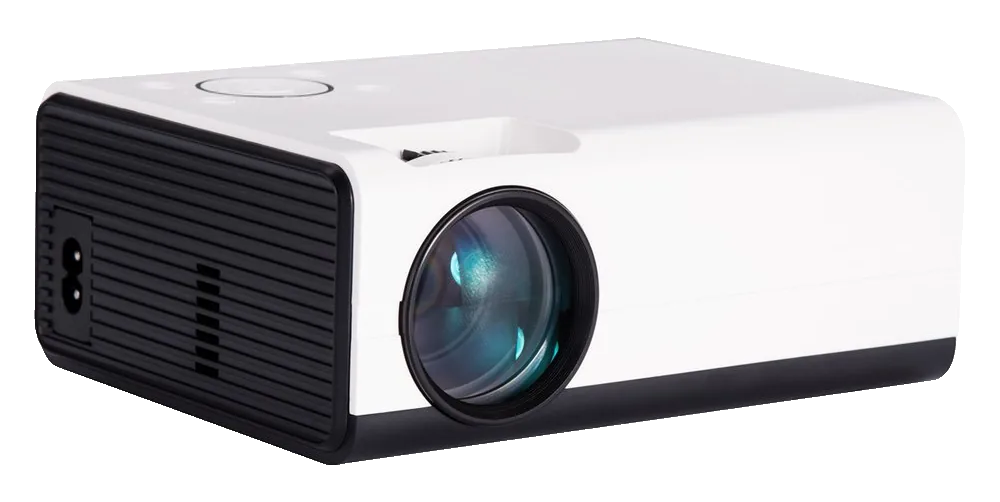
According to the manufacturer, the mini HDMI projector has a native resolution of 854 × 480 and accepts an input up to 1920 × 1080. When comparing picture detail, focus on native resolution: accepting a 1080p video does not mean displaying a native Full HD image.
The manufacturer states 1080p output, 1 GB of RAM and 8 GB of storage for the Android model. Start with this product if that stated resolution and a built-in Android system match what you want. A 1080p output specification is not native 4K.
Match the connections to your equipment
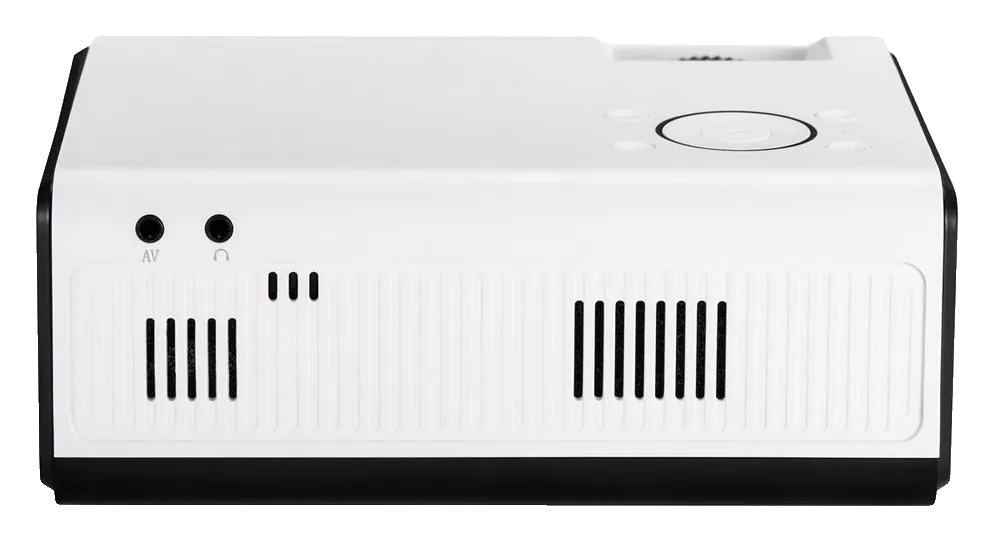
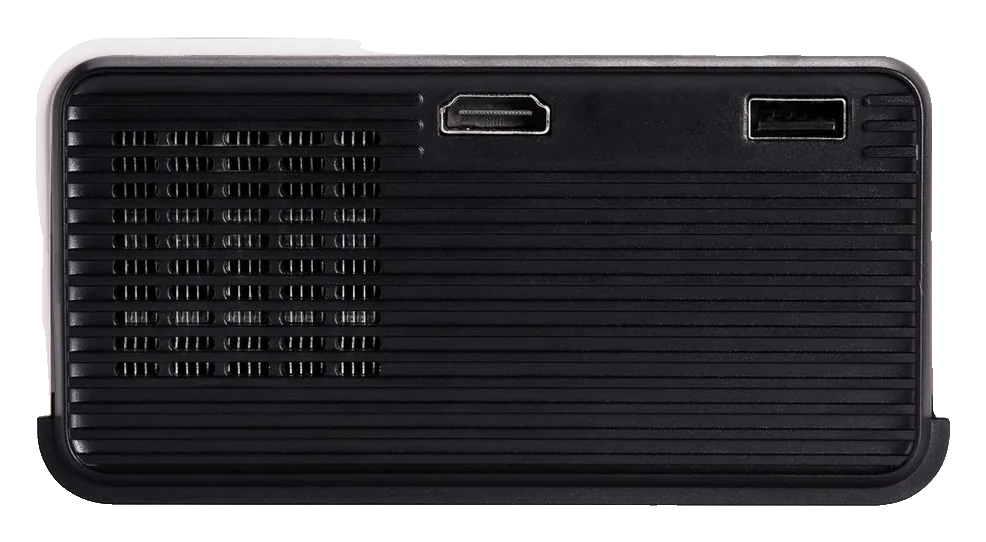
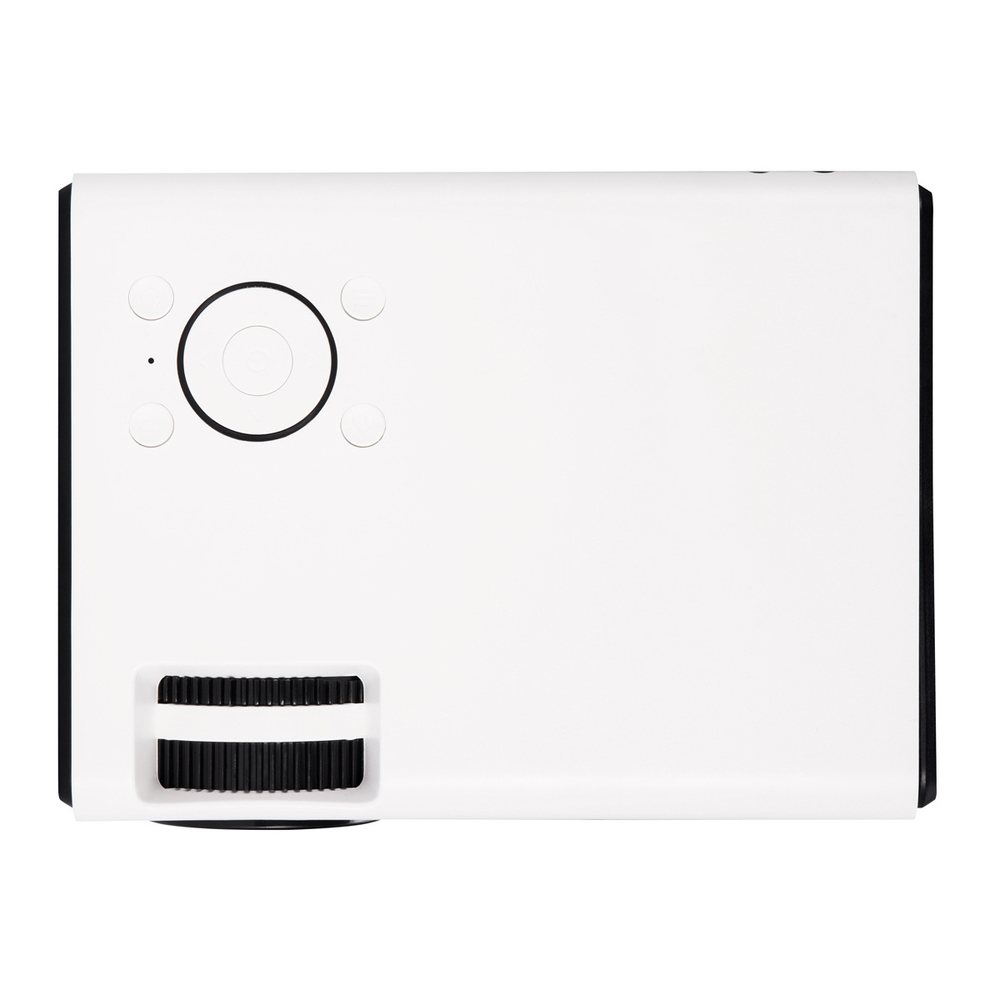
Both models have an HDMI input. The mini projector also offers USB, VGA and AV, plus manual vertical keystone correction. Check the outputs on your computer, console or player to choose the right cable.
To project from a phone, check that it supports video output and choose a connection suitable for that handset. If you prefer a USB drive, check which file formats the projector supports. Let the device you already use guide your choice.
Keep your video services in mind
The Android model includes that operating system. If you want a particular service, check that its app works with this model and that the device meets the service’s certification requirements. Android alone does not guarantee Netflix or every other app.
Do you mainly watch through a computer, console or player? Start by checking its HDMI connection. Choosing is easier when you separate the device that plays your videos from the projector that displays them.
Plan the space, then compare the product pages
Decide where the projector will sit and which surface you will project onto. Check the distance needed for the image size you want. If noise or brightness matters in your room, look at the model’s specifications for those points.
Open the product pages below to compare the two models and their connections. The Android variant shown has an EU plug. Choose around your video source, the resolution you want and the apps you plan to use.
Find your projector
FAQ
Does the mini projector display native Full HD?
The manufacturer lists native 854 × 480 and input support up to 1920 × 1080. Its native image remains 854 × 480, even with a 1080p source.
What resolution does the manufacturer state for the Android model?
The manufacturer states 1080p output. That is not a native 4K resolution specification.
Can I use my phone or Netflix?
For a phone, check its video output and the compatible connection. For Netflix, check app compatibility and the service’s requirements for this model.